
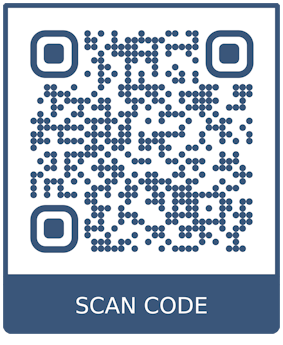
Download the SuperLive Plus app and follow the below steps.
Quick Setup Steps
- Install: Download "SuperLive Plus" from the App Store or Play Store.
- Permissions: Allow notifications and access to media/audio.
- Add Device: Open the app and tap the + button in the top right corner to add a new device.
- Scan/Enter Details: Select the QR code scanner to scan the code from your recorder's network menu, or manually enter the IP/Port, Username (default is typically
admin), and Password (123456). - View: Tap "Start" or "Preview" to begin viewing live camera streams.
Key Tips
- Network: Ensure your phone and DVR/NVR are connected to the same network during the initial setup.
- Connectivity: If the signal icon turns green, the connection is successful.
- Troubleshooting: If the app fails to connect, try rebooting your modem or checking the device's P2P status.
SuperLive Plus
Related to
Comments
0 comments
Please sign in to leave a comment.